
The best trading app in the UK for charts? IG, eToro, Plus500 and Trading 212 compared with a trade plan
 Systemly Team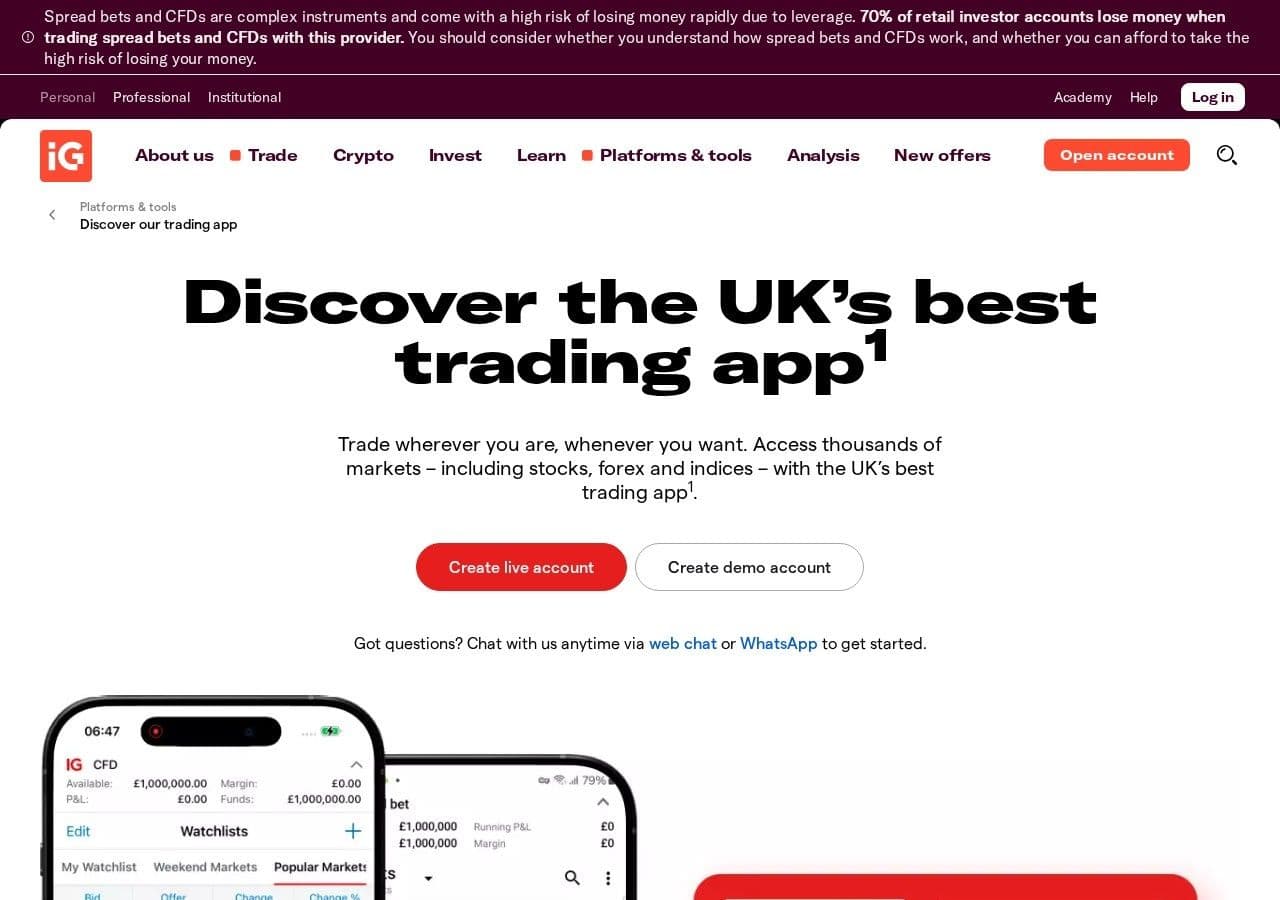
On 10 October 2026 a Plus500 customer left a review on Trustpilot that every broker's product team should pin above their desks: "charting tools feel awkard to use, please match TW ease of use for charting." TW is TradingView. The review does not say the customer was leaving. It asks for the chart inside the broker's app to feel like the one they already use elsewhere.
That small complaint holds the whole question of this article. Many UK traders now carry two apps: the broker that holds the money, and a charting platform where the thinking happens. Are the charts inside IG, eToro, Plus500 and Trading 212 good enough to do without the second app? And if they are, what is still missing between a good chart and a trade you can actually place?
Quick answer: For charting inside a UK broker app, IG gives the most choice (its own charts, plus TradingView, ProRealTime and MT4 connections), Trading 212 and eToro build on TradingView's engine, and Plus500 uses its own platform with over 100 indicators. All four are good enough to read a chart and place an order. In what we read, none of them tells you how big the trade should be for your account, what it would cost you at the stop, or when there is no trade at all. Systemly does that part, and works alongside whichever broker you already use.
Systemly publishes this comparison. We have tried to be fair, and every competitor fact below is sourced and dated 13 October 2026. Systemly is not a broker, and nothing here is a suggestion to sign up with any of these firms.
What a broker's chart is for
A broker app has one job above all others: to hold your money and carry out your orders under a regulator's rules. The chart is there so you can see the price you are dealing at. Think of the chart as the shop window and the order ticket as the shop.
A charting platform has a different job: to let you analyse. A trade-planning tool has a third job: to turn the analysis into a plan for your account and to follow it. The same split holds in Dubai, as our guide to charts on UAE trading apps shows.
The common mistake is to expect the shop window to do all three jobs. The consequence is a trader who opens a CFD on gold from a chart with 30 indicators on it, sizes the position by the margin figure on the ticket, and finds out what the trade risked only when it hits the stop. It is the same as judging a car by its dashboard. The dashboard is accurate, but it does not tell you the route.
The four apps, one at a time
1. IG: the most choice of chart
IG is a UK-listed CFD and spread-betting broker regulated by the FCA. Its own web charts offer 32 indicators, 19 drawing tools, candlestick, Heikin-Ashi, HLOC, line and mountain charts, timeframes "from tick-by-tick to monthly", a split view of up to four charts and trading straight from the chart, according to IG's charts page.
IG also connects to other chart front ends. Through IG, TradingView offers indices, commodities and forex, with 400+ indicators and 110+ drawing tools (stocks were listed as "coming soon"). ProRealTime via IG is free for the first month, then £30 a month, waived in any month where your spread or commission with IG exceeds £15. MT4 is available too. Our guide to ProRealTime through IG explains when the fee is waived.
IG lists "Trading signals" and "Trading alerts" as separate tools. We could not confirm which provider supplies its signals today. It has historically been PIA-First and Autochartist, but treat that as unverified.
The catch: users on Trustpilot (3.5 from 10,001 reviews, snapshot) say "the usability of charts and analysis could be improved". IG's own risk warning says "70% of retail investor accounts lose money when trading spread bets and CFDs with this provider."
Best for: a UK spread bettor or CFD trader who wants one regulated account with a choice of chart.
2. Trading 212: TradingView's engine inside the app
Trading 212 integrated TradingView's charting engine into its app in August 2022, for both Invest and CFD accounts. Full-screen mode opens TradingView charting. Pine Script, TradingView's scripting language, is not integrated, according to the Trading 212 community announcement.
Not everyone liked the change. Community replies at launch included "it's a big step backwards" and "It's infuriating on IOS" (11 August 2022). More recently, a Trading 212 user wrote on 29 November 2024 that the forex charts' prices, highs, lows and bar shapes did not match TradingView's own, which they called "quite worrying". That is a feed question, not a charting one, and it applies to every broker. Our guide to why your broker's chart and your charting platform show different prices explains the reasons.
Best for: a UK investor who mainly buys shares and ETFs and wants a familiar chart for the occasional CFD.
3. eToro: TradingView charts plus a new AI agent
eToro partnered with TradingView in March 2023, promising "100+ indicators", "50+ drawing tools" and "Mobile-friendly charts optimised for touch screen devices", according to FX News Group. A 2026 review on a commercial site called eToro's built-in charts "basic", at about 30 indicators, and said active users analyse on TradingView and execute on eToro. The two descriptions conflict, so try the charts yourself before you decide.
In July 2026 eToro launched an "AI-first" app with a proactive AI agent called Tori, offering portfolio insights, market signals and explanations of price moves through WhatsApp and Apple Watch, plus a desktop platform for active traders called eToro edge, according to FinTech Global. The rollout regions were not stated. We could not confirm whether Tori or eToro edge is available to UK or UAE customers, so check in your own app.
eToro's best-known feature is not a chart at all. It is CopyTrader. If that is what draws you, our comparison of copy trading and trade plans is the better read.
Best for: a trader who wants social and copy features, and is happy to analyse elsewhere.
4. Plus500: its own platform and no TradingView for UK CFDs
Plus500 runs a proprietary CFD platform with "over 100 technical indicators and flexible alerts", plus "+Insights", which shows trend data from Plus500 clients' own trades, according to Plus500 UK. We found no TradingView integration for UK CFD clients. TradingView is available for Plus500's US futures business only.
Plus500 scores 4.2 from 20,083 reviews on Trustpilot (snapshot), and the quote at the top of this article is from that page. Its risk warning says "76% of retail investor accounts lose money when trading CFDs with this provider."
Best for: a trader who wants a simple, self-contained CFD app and does not need TradingView.
The four apps side by side
- What it is: IG: Broker; Trading 212: Broker; eToro: Broker; Plus500: Broker; Systemly: Trade-planning tool, not a broker
- Chart engine: IG: Own charts, plus TradingView, ProRealTime, MT4; Trading 212: TradingView engine; eToro: TradingView partnership (2023); Plus500: Proprietary; Systemly: Own live chart with the plan drawn on it
- Indicators (stated): IG: 32 own; 400+ via TradingView; Trading 212: TradingView set, no Pine Script; eToro: "100+" (2023); "basic" per a 2026 review; Plus500: "over 100"; Systemly: Layers only: swings, sessions, gaps (Starter and above)
- AI or signals: IG: Signals tool (provider unverified); Trading 212: None found; eToro: Tori agent (UK and UAE availability unverified); Plus500: +Insights client data; Systemly: AI plan checked by fixed rules
- Places your order: IG: Yes; Trading 212: Yes; eToro: Yes; Plus500: Yes; Systemly: No (Pro-only execution aside)
- Position size for your account: IG: Not found; Trading 212: Not found; eToro: Not found; Plus500: Not found; Systemly: Yes
- Costs at the stop in money: IG: Not found; Trading 212: Not found; eToro: Not found; Plus500: Not found; Systemly: Yes
- "No trade" answer: IG: Not found; Trading 212: Not found; eToro: Not found; Plus500: Not found; Systemly: Yes
- UK regulation: IG: FCA; Trading 212: UK entity; eToro: FCA; Plus500: FCA; Systemly: Not authorised; educational tool
- UAE presence: IG: DIFC office (licence type unverified); Trading 212: DFSA representative office; eToro: FSRA (ADGM); Plus500: DFSA, plus a mainland licence from the SCA (now the CMA); Systemly: Not licensed in the UAE
"Not found" means we did not find the feature in the pages we read, not that we tested each app and proved it absent. Read the "places your order" row first. Systemly loses it, and that is correct. A broker exists to hold your money and fill your order under regulation. Systemly does not, and should not pretend to.
A worked example: what the gold ticket shows, and what it hides
Say you hold £600 in a CFD account and want to buy gold. Assume gold at $4,000 an ounce and GBP/USD at 1.34, both for illustration. Under FCA rules, retail leverage on gold is capped at 20:1.
The order ticket in any of these apps will show you margin. Assume one standard lot is 100 ounces, which is common but not universal, so check your broker's contract size. On 0.01 lots (1 ounce), margin is $4,000 ÷ 20 = $200, or about £149. That number feels like the cost of the trade. It is not. It is a deposit.
What matters is the stop. Say your analysis puts it $5 below the entry.
- The account in dollars is £600 × 1.34 = $804. One per cent risk is $8.04.
- A $5 move on 1.00 lot (100 ounces) is $500. The size that fits is $8.04 ÷ $500 = 0.016 lots, which rounds down to 0.01, the same answer a forex lot size calculator gives.
- The real risk at the stop is 0.01 × $500 = $5.00, about £3.73, or 0.6% of the account.
Now consider the trader who reads the £149 margin, feels comfortable, and opens 0.10 lots. The margin is about £1,490, which the account cannot cover, so the ticket stops them. They try 0.03 lots instead: margin about £448, comfortably inside £600. But the risk at a $5 stop is 0.03 × $500 = $15, about 1.9% of the account, and the margin left over is thin.
None of the four apps is doing anything wrong here. They show margin because the regulator requires it and because it decides whether the order can be placed at all. They simply do not show the plan. Our forex margin calculator guide explains the difference in more depth, and the free Risk Doctor check will test a size before you place it.
What a trade plan adds on top of any of these apps
Systemly (systemly.ai) is a UK-built forex and gold trade-planning app that turns live price data into a complete trade plan, with entry, stop, targets, position size and plain-English reasoning, and teaches the terms in a built-in academy of 32 courses.
The plan opens on a full-screen live chart with the trade drawn on it: the position box, entry, stop, targets, and the stop moving to entry after the first target. Next to it sits a short numbered list of moves, such as "close half and move your stop loss to your entry", with one step marked as current and a countdown to the next useful moment. The money figure is one number, at the printed lot size, with trading cost included at the stop. When the checks fail, the answer is "no trade", with the reasons listed.
You then place the order yourself, in whichever broker app you already use. If you prefer to draw on TradingView, Starter and above can export the plan to TradingView as a Pine Script that draws the trade with a table quoting the same stop and money. Our TradingView vs Systemly comparison covers that workflow.
Times that matter this autumn: UK and Dubai
Broker charts default to different clocks, and many MT4 and MT5 servers run on GMT+2 or GMT+3. The plan below uses the UK and Dubai clocks you live by.
- London and New York overlap (UK): Until 24 October: 13:00 to 17:00; 25 to 31 October 2026: 12:00 to 17:00; From 1 November 2026: 13:00 to 17:00
- London and New York overlap (Dubai): Until 24 October: 16:00 to 20:00; 25 to 31 October 2026: 16:00 to 21:00; From 1 November 2026: 17:00 to 21:00
- US jobs and inflation data (UK / Dubai): Until 24 October: 13:30 / 16:30; 25 to 31 October 2026: 12:30 / 16:30; From 1 November 2026: 13:30 / 17:30
In the out-of-sync week the UK has moved its clocks and the US has not, so US data lands an hour early in the UK. Systemly shows sessions in your own time zone, with London and New York following their own daylight saving, so you do not have to change a setting. Our guide to forex trading sessions and market hours has the full tables.
Where a broker app is the better choice
A broker's own app is the better choice whenever the job is execution. It is where your money sits, where your orders fill and where the FCA's protections apply: the leverage caps, the 50% margin close-out and negative balance protection, which means a retail client cannot lose more than the money in the account.
If you only trade shares, Trading 212's TradingView-based charts are probably all the chart you need. If you spread bet in the UK, IG's choice of chart platforms is hard to match. For most UK individuals, spread betting profits are generally free of Capital Gains Tax and Stamp Duty, because HMRC treats most spread bets as gambling, while CFD profits are generally subject to CGT and CFD losses can be offset. Tax treatment depends on your circumstances and can change, so check with HMRC or an adviser.
And if you already read charts confidently, size your own trades and keep your own records, you may not need a planning tool at all.
Where Systemly is the better choice
Systemly is the better choice when you can read the chart in your broker's app but freeze at the next step: how much, where to get out, what to do at the first target, and whether this is a trade at all. It covers the major forex pairs and gold on its free plan, where you can also place a plan as a paper trade (up to 3 open at once) on real prices with spreads and costs before you risk money in your broker app. It does not hold money or place trades for most users, and it is not a substitute for your broker.
How we compared
We read each broker's own UK charts or platform page, the TradingView integration pages for IG and Trading 212, the 2023 eToro and TradingView announcement, the July 2026 eToro AI launch report and the UK Trustpilot pages for IG and Plus500, all on 13 October 2026. Indicator counts are as each broker states them. Where sources disagree, as they do on eToro's charts, we say so. We did not test order execution or spreads. Prices, features and risk warnings change, so check each broker's site.
FAQ
Which UK trading app has the best charts?
It depends on the job. IG offers the most choice, with its own charts and connections to TradingView, ProRealTime and MT4. Trading 212 and eToro build on TradingView's engine. Plus500 uses its own platform with over 100 indicators. For reading a chart and placing an order, all four are adequate. None of them sizes the trade for your account.
Can I use TradingView with Plus500 in the UK?
We found no TradingView integration for Plus500's UK CFD clients as of October 2026. Plus500 offers TradingView only for its US futures business. UK clients use Plus500's own platform, which lists over 100 technical indicators and flexible alerts. Check Plus500's site, because integrations change.
Is eToro's Tori AI available in the UK?
eToro launched Tori, a proactive AI agent, in July 2026, but the announcement did not say which regions get it. We could not confirm availability in the UK or the UAE. Check the eToro app in your country. Tori offers insights and market signals; it does not size a trade for your account or say when there is no trade.
Are broker charts good enough for beginners?
For seeing price and placing an order, yes. The gap is not the chart. It is the plan: the position size for your balance, the cost at the stop in money, what to do at each target and when to stand aside. A beginner who sizes trades by the margin figure on the ticket can risk far more than they intend.
Why does my broker's chart look different from TradingView?
Each broker uses its own price feed and spread, some charts plot the bid and others the mid price, and daily candles close at different times. A Trading 212 user complained in November 2024 that forex charts did not match TradingView. Analyse on the feed closest to where you trade, and expect small differences.
Is Systemly a broker?
No. Systemly is an educational and trade-planning tool. It is not a broker, not authorised by the FCA and not licensed in the UAE, and it does not give personal recommendations. You read the plan and, if you choose, place the order yourself in the broker app you already use.
See a plan before you place an order
Open a forex pair or gold on Systemly and compare the plan with what your broker's ticket shows, or look through real plans in the community scans feed first. You can learn the terms on the ticket in the Systemly Academy.
Sources
- IG trading charts (UK)
- IG TradingView integration (UK) and risk warning
- IG ProRealTime pricing (UK)
- IG on Trustpilot UK (snapshot)
- IG Group MENA CEO interview, Finance Magnates, 27 April 2026
- IG on spread betting and CGT
- HMRC Business Income Manual BIM56900
- Trading 212 TradingView charts announcement and replies
- Trading 212 community: forex charts don't match TradingView
- Trading 212 UAE expansion, TradeInformer, 20 November 2025
- eToro and TradingView partnership, FX News Group
- eToro review 2026, TakeProfit (commercial site)
- eToro AI-first app and Tori, FinTech Global, 8 July 2026
- eToro ADGM approval press release
- Best trading apps in the UAE, Investing in the Web
- Plus500 UK
- Plus500 TradingView (US futures)
- Plus500 on Trustpilot UK (snapshot)
- Plus500 UAE mainland licence, FXEmpire
- FCA PS19/18 CFD rules
- UK leverage limits by asset class, BrokerChooser
- VT Markets on server time
- BabyPips forex trading sessions
- UAE SCA renamed CMA, Regulation Tomorrow
Trading forex and CFDs carries a high risk of losing money, and most retail accounts do. Systemly is an educational and trade-planning tool. It does not provide financial advice or personal recommendations, and it is not authorised by the FCA or licensed in the UAE to do so. Past outcomes do not predict future results.